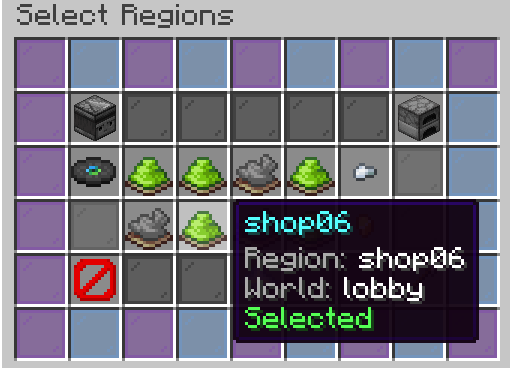
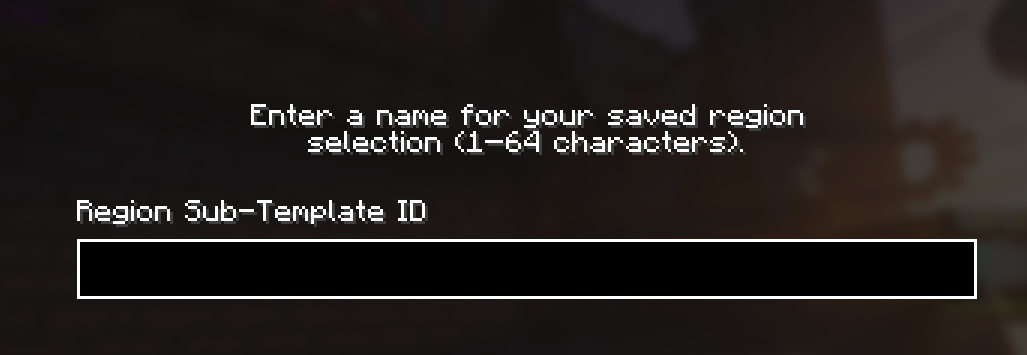
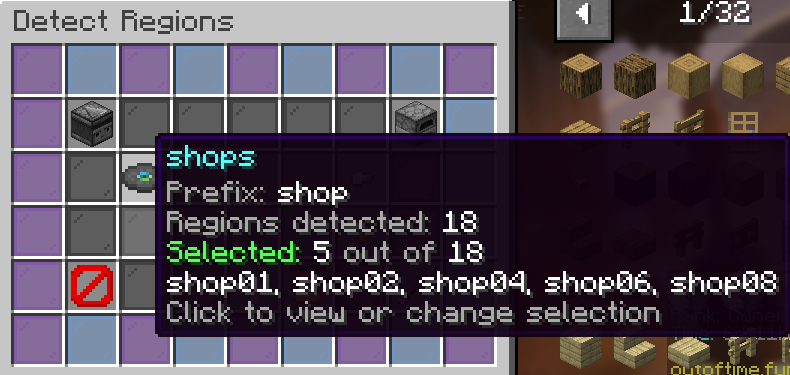
Do this before running /nrm setup. NRM detects existing WorldGuard regions. If you have not defined any matching regions, there is nothing for the wizard to detect. Selecting corners alone does not create a WorldGuard region.
¶ 1. Get the WorldEdit wand
Join in game with permission to use WorldEdit and define WorldGuard regions. Stand in the world containing your plots.
//wand
With the wand, left-click one corner and right-click the opposite corner. These points form a 3D box, so include the intended bottom and top of the property, not only its ground footprint.
/rg define shop01
WorldGuard saves your current selection as shop01. The full name is one argument: shop01, with no space before the number. Do not enter /rg define shop 01.
¶ 4. Repeat for each remaining plot
Select the next plot's two corners before defining the next region. Use the shared prefix shop with a different number for every plot.
Plot 1 → shop01
Plot 2 → shop02
Plot 3 → shop03
Plot 4 → shop04
Plot 5 → shop05
Plot 6 → shop06
Plot 7 → shop07
Plot 8 → shop08
Plot 9 → shop09
Plot 10 → shop10
For example: select plot 2, run /rg define shop02; select plot 3, run /rg define shop03; continue through /rg define shop10. Each command must use that plot's own selection. The plots share a prefix, but each region has a unique full name in its world.
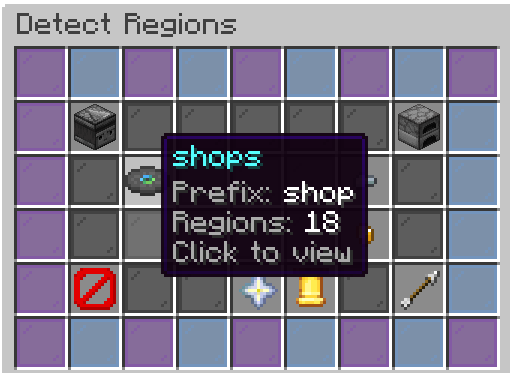
The prefix determines which existing WorldGuard region names match. One group automatically detects multiple numbered regions; you do not need a group for each plot.
shops:
  prefix: "shop"
  pad: 2
With these defaults, shop01, shop02, and shop100 match. pad: 2 requires at least two digits. Use pad: 1 if you also want names such as shop1 or plot1 to match their group's prefix.
To detect shops, plots, and houses together, copy the detection block underneath the existing one and give each group a unique key and the prefix you want to detect. The current detection menu uses the group key as its label. Keep the group keys aligned at the left edge, with spaces for their indented values. Do not use commas or repeat the same group key.
shops:
  prefix: "shop"
  pad: 2
plots:

prefix: "plot"

pad: 2
houses:

prefix: "house"

pad: 2
| Detection group | Matching WorldGuard regions |
|---|
shops | shop01, shop02, shop03 |
plots | plot01, plot02, plot03 |
houses | house01, house02, house03 |
If you only want plots, replace the existing shops: detection block with plots: and set its prefix to plot. You do not need to keep the shops group.
These blocks configure detection; they do not create regions. Define your plot01 or house01 regions in WorldGuard first, just as you did for shop01.
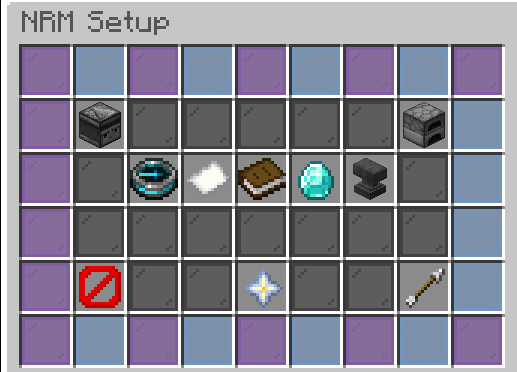
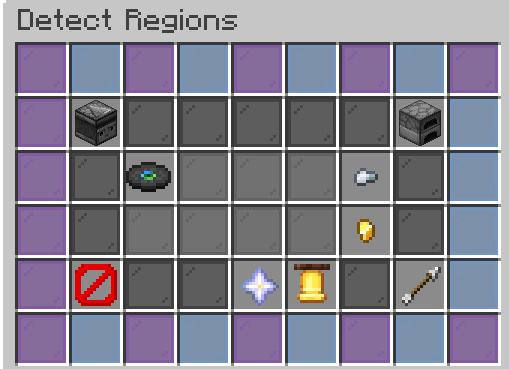
After editing: save config.yml, restart the server, stand in the world containing the regions, and open /nrm setup → Detect Regions to select the relevant group and regions.
plots:

prefix: "plot"

pad: 2
This key identifies the group and is the label used by the current detection menu: plots. You can add groups such as houses: or shops:, but each group key must be unique.
NRM matches existing WorldGuard region IDs that begin with this prefix and are followed entirely by digits. Matching is case-insensitive.
plot01 matches the prefix plot.house01 does not match that prefix.plot_home01 does not match: home is between the prefix and the digits.
If your region IDs are plot_01, plot_02, and so on, include the underscore in the prefix:
prefix: "plot"
The numbered suffix must contain at least this many digits. With prefix: "plot":
| Region ID | pad: 1 | pad: 2 | pad: 3 |
|---|
| plot1 | Matches | No | No |
| plot01 | Matches | Matches | No |
| plot001 | Matches | Matches | Matches |
| plot100 | Matches | Matches | Matches |
This is a minimum digit count, not a limit on the number of regions. It does not rename regions or automatically add leading zeros.
This setting does not control the detection menu label; the menu uses the group key, such as plots. The older shops.categoryName value is read by the code but is not currently used. Under plots:, categoryName is ignored.
You can omit categoryName without affecting detection, as in the minimal example above. It detects existing plot01, plot02, and plot100 regions in the world being used for detection.
Ready for NRM: once your regions are defined, stay in their world and run /nrm setup → Step 1 · Detect Regions. Select the plots you want to publish. Already-listed shop IDs are filtered out of fresh detection.
Command references: WorldEdit selections · WorldGuard region commands.